Pythonメモ : tqdmで処理の進捗(プログレスバー)を表示
tqdm
tqdmを使用すると処理の進捗をプログレスバーで表示することができるようになる。時間のかかる処理で進捗を確認したいときなどに便利。
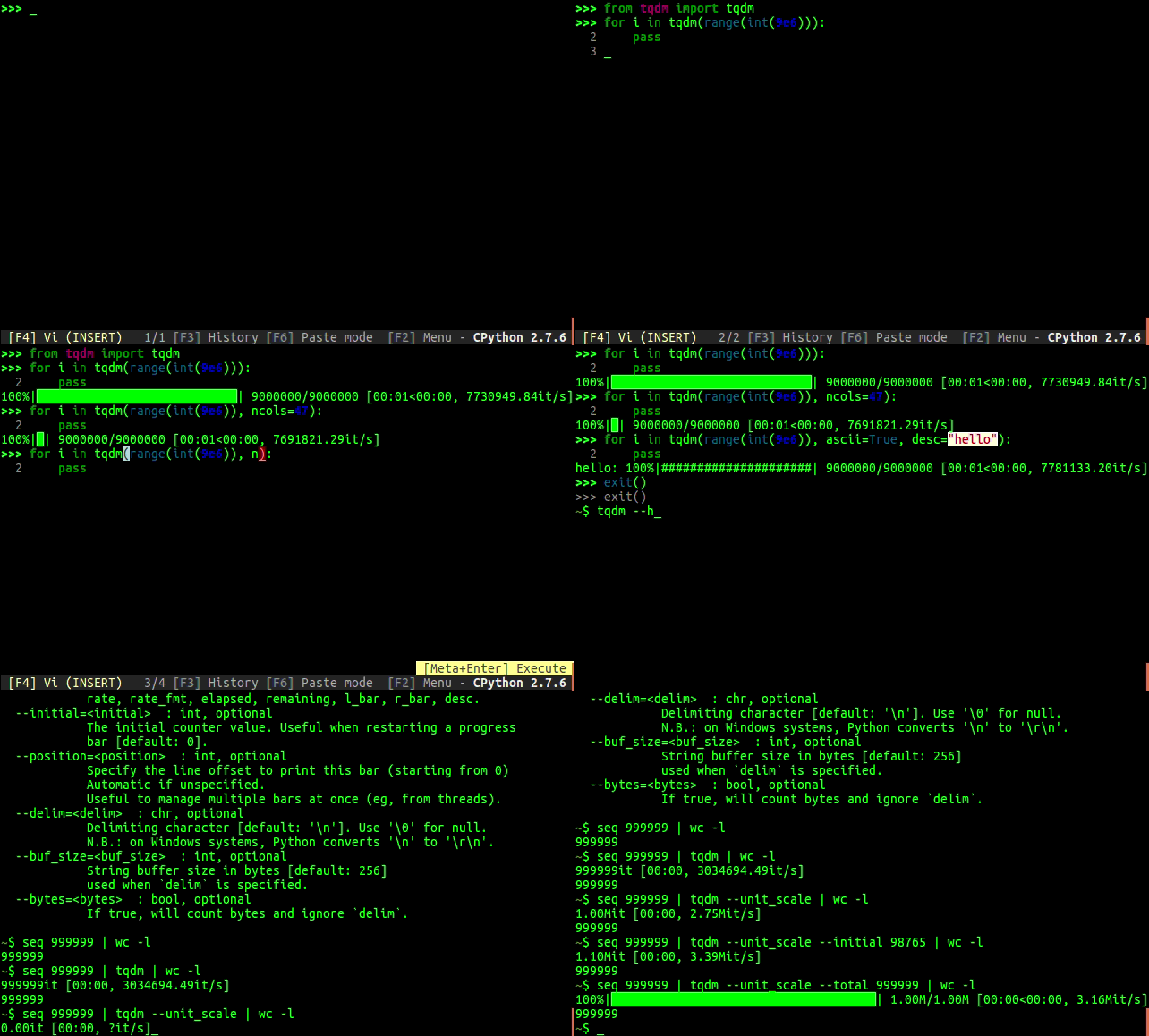
ちなみに例ではREPLとしてptpythonを使用している。
wonderwall.hatenablog.com
インストール
pipでインストールできるので下記コマンドを実行。
$ pip install tqdm
$ tqdm --help
Usage:
  tqdm [--help | options]

Options:
  -h, --help     Print this help and exit
  -v, --version  Print version and exit

  --desc=<desc>  : str, optional
            Prefix for the progressbar.

 …省略…
使い方
最初にtqdmをインポートする。
from tqdm import tqdm
イテラブルオブジェクト
基本的にはイテラブルオブジェクトをtqdmで囲めばよい。
text = ""
for char in tqdm(["a", "b", "c", "d"]):
    text = text + char
trangeはtqdm(range(i))を最適化したもの。
for i in trange(100):
    pass
手動
手動で操作する場合はtotalを指定して、増加分をupdateで追加していく。
with tqdm(total=100) as pbar:
    for i in range(10):
        pbar.update(10)
withを使用しない場合はclose()を忘れないこと。
pbar = tqdm(total=100)
for i in range(10):
    pbar.update(10)
pbar.close()
ネスト
プログレスバーをネストすることも可能。
from tqdm import trange
from time import sleep

for i in trange(10, desc='1st loop'):
    for j in trange(5, desc='2nd loop', leave=False):
        for k in trange(100, desc='3nd loop'):
            sleep(0.01)

Pandas
Pandasに対しての使用も可能。
import pandas as pd
import numpy as np
from tqdm import tqdm

df = pd.DataFrame(np.random.randint(0, 100, (100000, 6)))

# Register `pandas.progress_apply` and `pandas.Series.map_apply` with `tqdm`
# (can use `tqdm_gui`, `tqdm_notebook`, optional kwargs, etc.)
tqdm.pandas(desc="my bar!")

# Now you can use `progress_apply` instead of `apply`
# and `progress_map` instead of `map`
df.progress_apply(lambda x: x**2)
# can also groupby:
# df.groupby(0).progress_apply(lambda x: x**2)
